Making the most of SparkAug 15, 2026
New to Spark? Our introductory user guide walks you through the interface, creating your first file and cutting your first project.
NewsGet up and running with our getting started videos
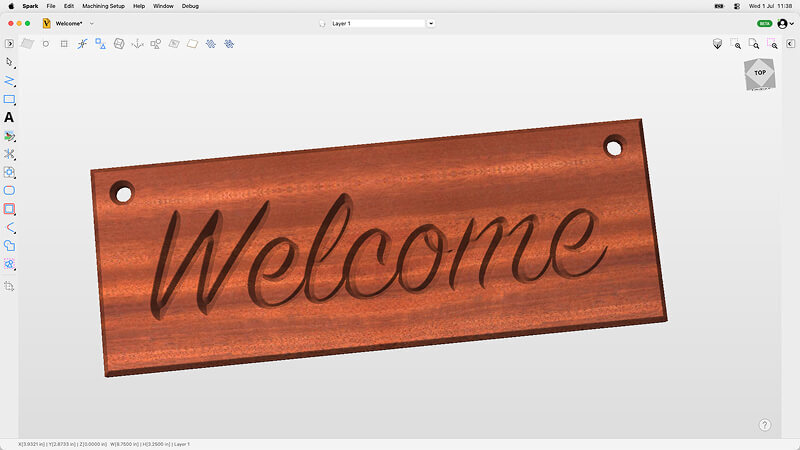
New to Spark? This quick tutorial walks you through creating a simple CNC sign from scratch. You'll learn the software basics, design process, toolpath creation, and 3D simulation, before seeing the final product cut live in the Vectric Labs.
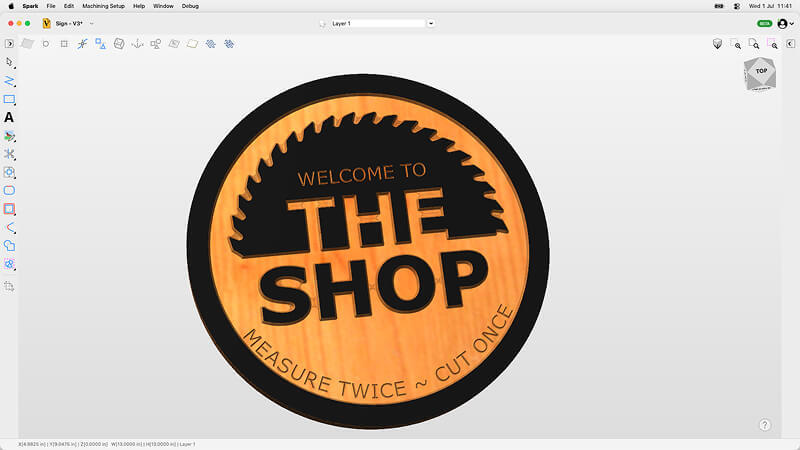
Take your Vectric Spark skills to the next level by creating a simple shop sign. In this tutorial, you'll learn how to trace and edit a bitmap outline, merge text, and unlock more advanced options within the VCarve toolpath.
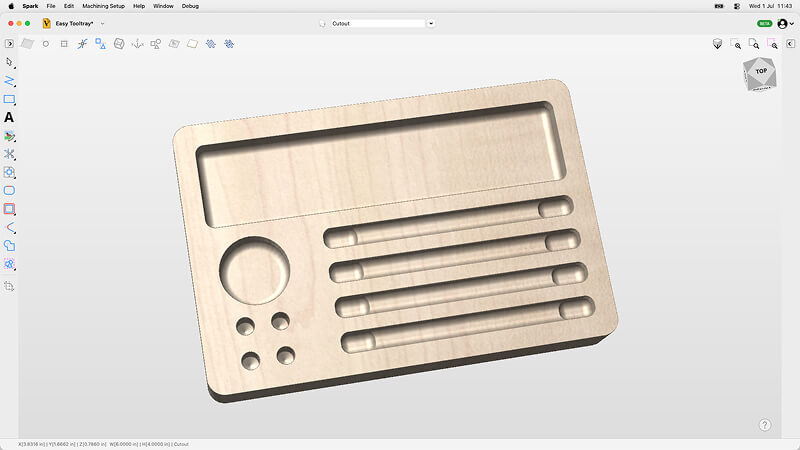
Advance your Vectric Spark skills by making a useful CNC tool tray. This tutorial covers drawing rectangles with radiused corners, diving deep into the pocket toolpath, and introducing the drilling toolpath to expand your design possibilities.
New to Spark? Our introductory user guide walks you through the interface, creating your first file and cutting your first project.
NewsThe first full release of Spark is available to download now. Read the release notes here.
Release